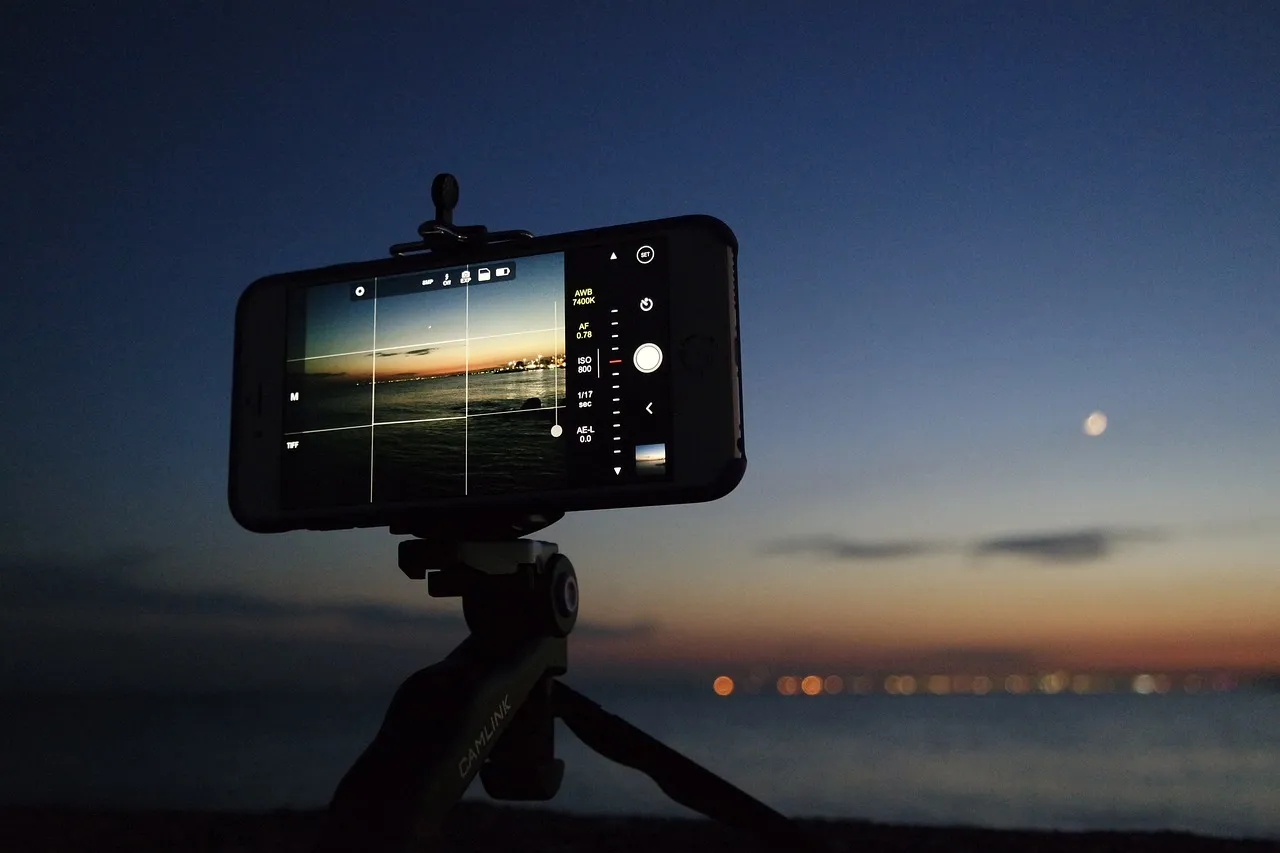
A phone is a different camera: always present, highly automated and very good at combining several exposures before the photographer has considered the first.
Clean the lens
Fingerprints create haze, flare and lost contrast. Clean the lens before diagnosing the camera, the light or your ability.
Choose the camera, not merely the zoom number
Phones may switch between physical cameras and digital crops. Use the main camera in poor light and a genuine telephoto only when the phone has one.
Move before zooming
A step changes perspective and background. Digital zoom changes only how many pixels remain.
Control brightness
Tap the subject and adjust exposure. Phones often brighten faces and dark scenes aggressively. Reduce brightness to restore windows, clouds and lamps.
A brighter phone photograph is not automatically a better exposed one.
Watch software-created edges
Portrait modes can fail around fur, cutlery, glass and leaves. Inspect the result at full size.
Edit towards the memory
Begin with exposure, highlights, shadow and white balance. Avoid treating saturation and sharpening as automatic improvements.
Try this
Use only the main camera for a week and do not pinch to zoom. Move, crop later and learn what the photographer changes.